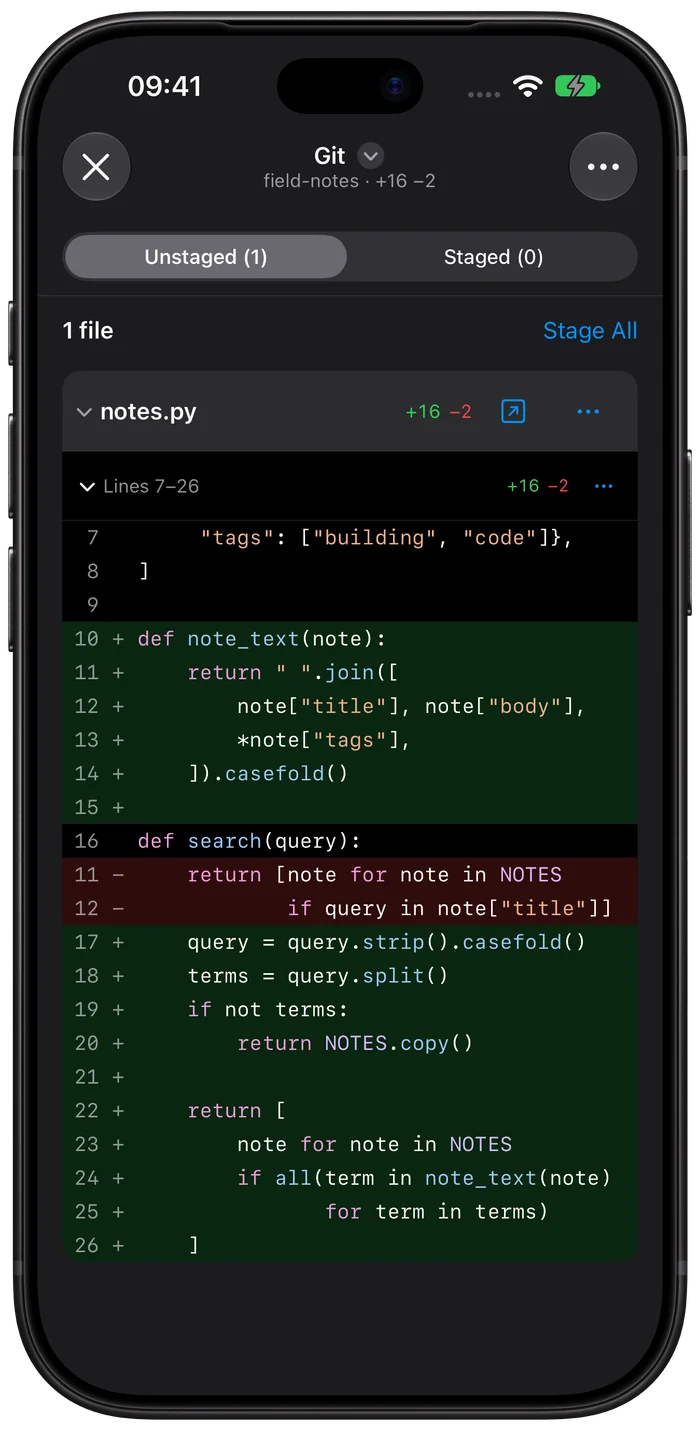
Git · Pro
See what changed.
Review diffs and stage changes in a native Git view, without leaving your workspace.
 Muxaway
0Terminal
Just SSH and tmux. Connect to your existing setup from iPhone or iPad. No Muxaway server agent required.
SSH, tmux and Files are free. Pro is a US$29.99 lifetime unlock at launch. Purchases made in TestFlight are free test transactions and do not carry over to the App Store version.

1 iPhone Duo
Keep sessions within reach in the workspace sidebar. Open Git, files, or a web preview to the right of your terminal. Unfold iPhone Duo for a workspace with room to breathe. The same tools are at home on iPad, too.
Git · Pro
Review diffs and stage changes in a native Git view, without leaving your workspace.
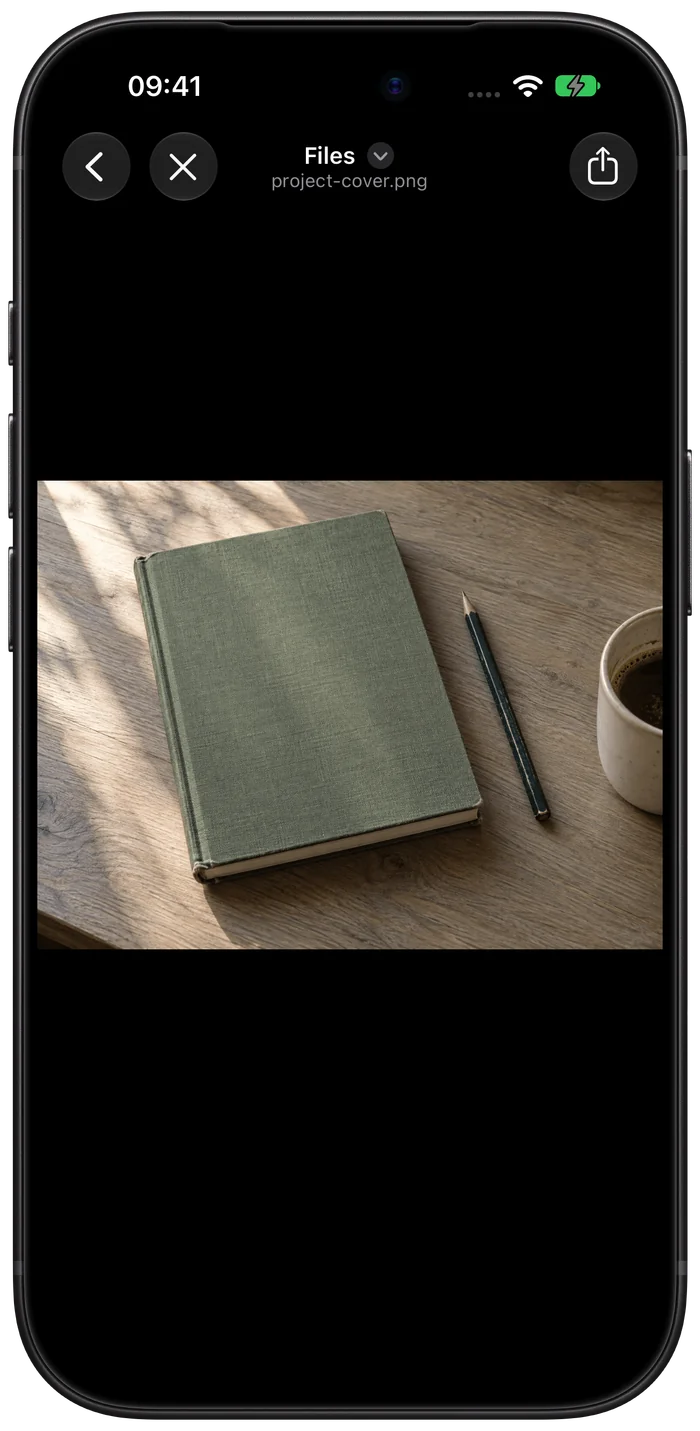
Files
Browse your project and open remote files without leaving your workspace.
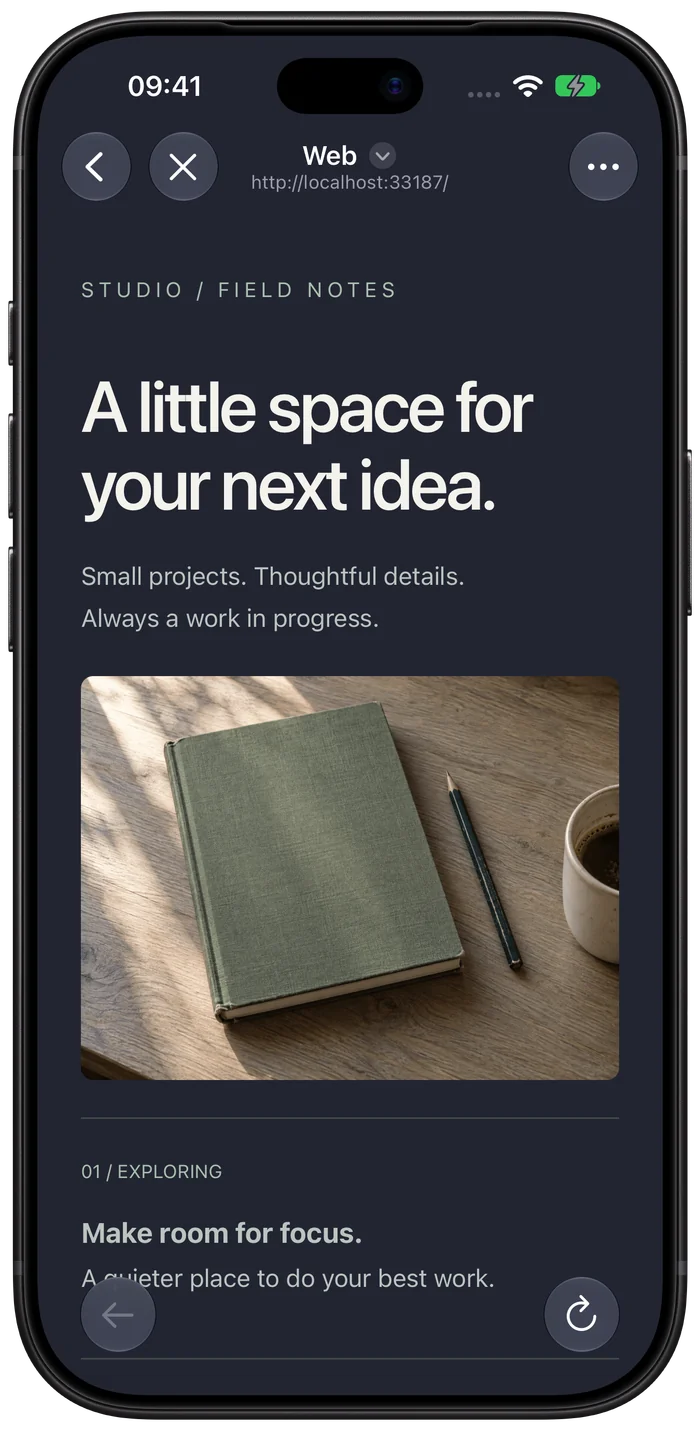
Web Preview · Pro
Preview your development server through SSH, right on your iPhone.
3Workflows · Pro
Save your everyday SSH scripts and run them without opening a terminal. Check a service, inspect a project, or get a quick answer from your server. Review the output in Run History and run it again whenever you need it.
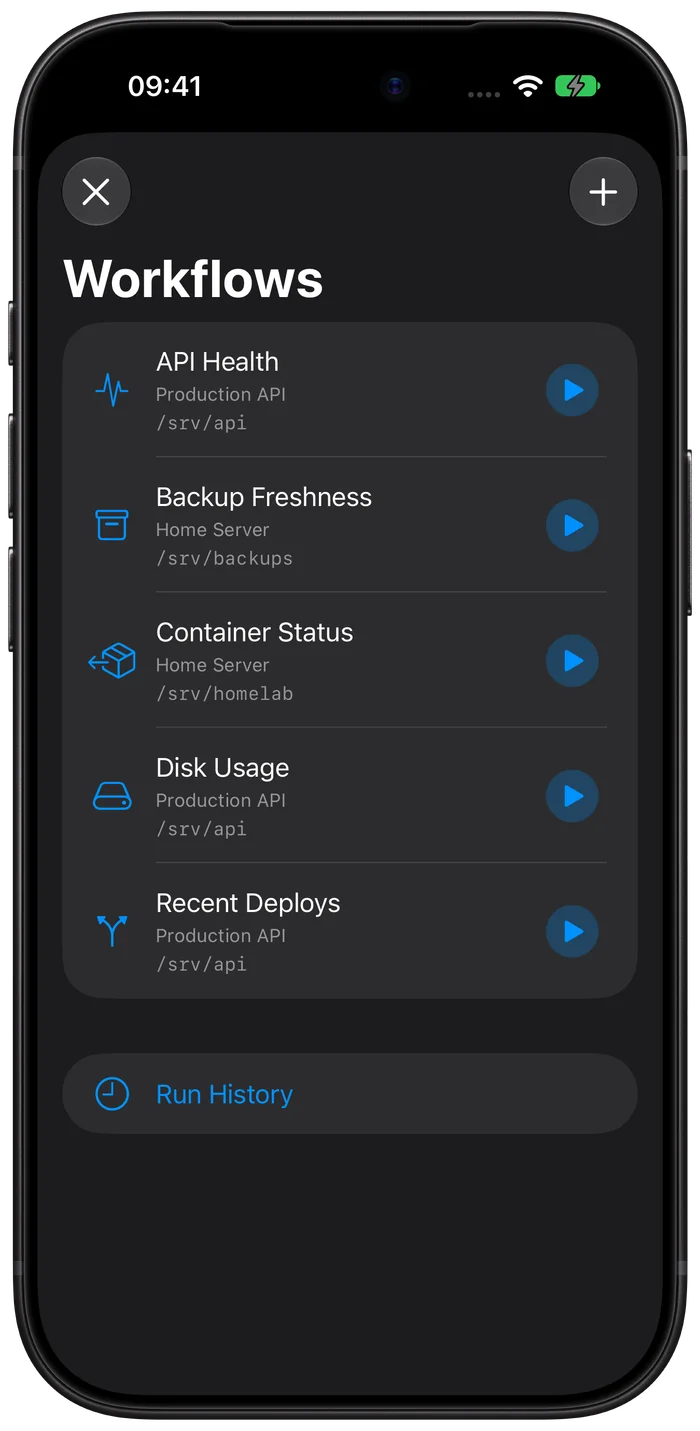
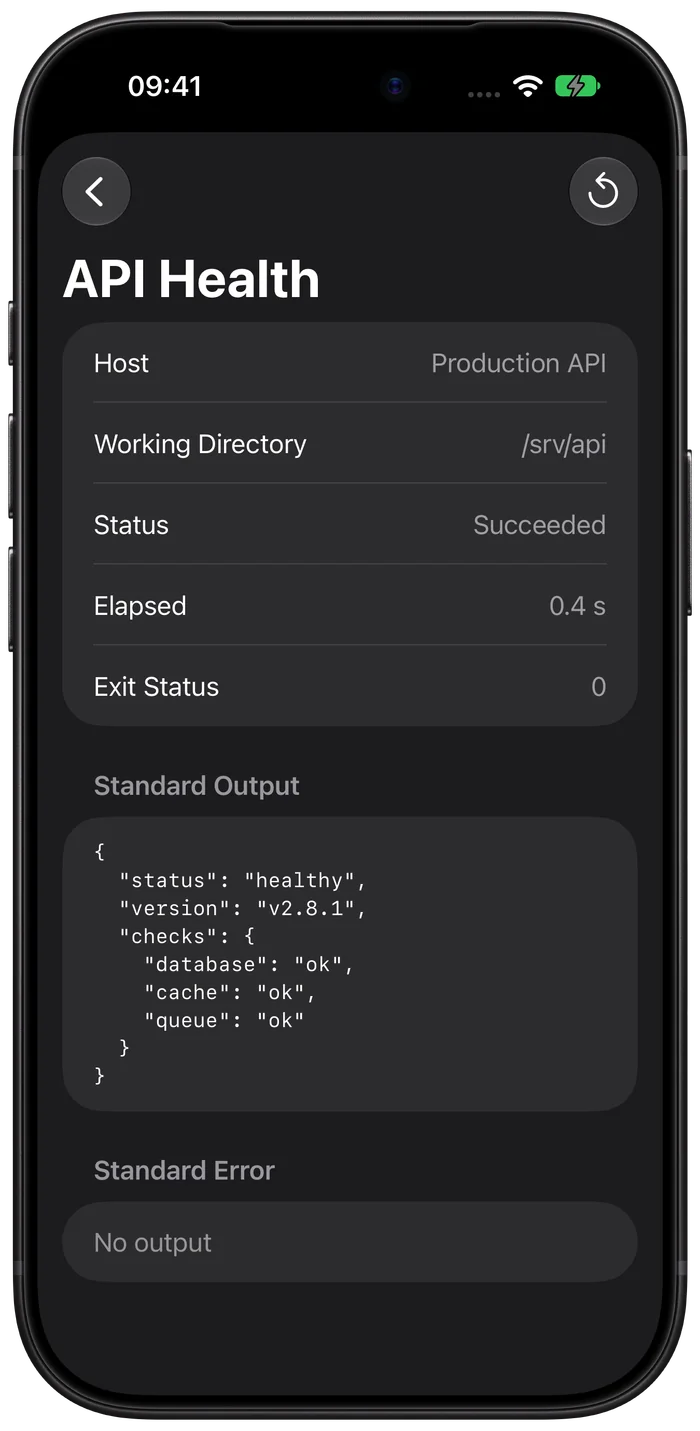
Add parameters and a working directory to reuse the same script across tasks.
Run a workflow or script with Apple Shortcuts, then use the output in your next action.
Keep your workflows a tap away in Control Center, on the Lock Screen, or with the Action button.
4 Tailscale · Pro
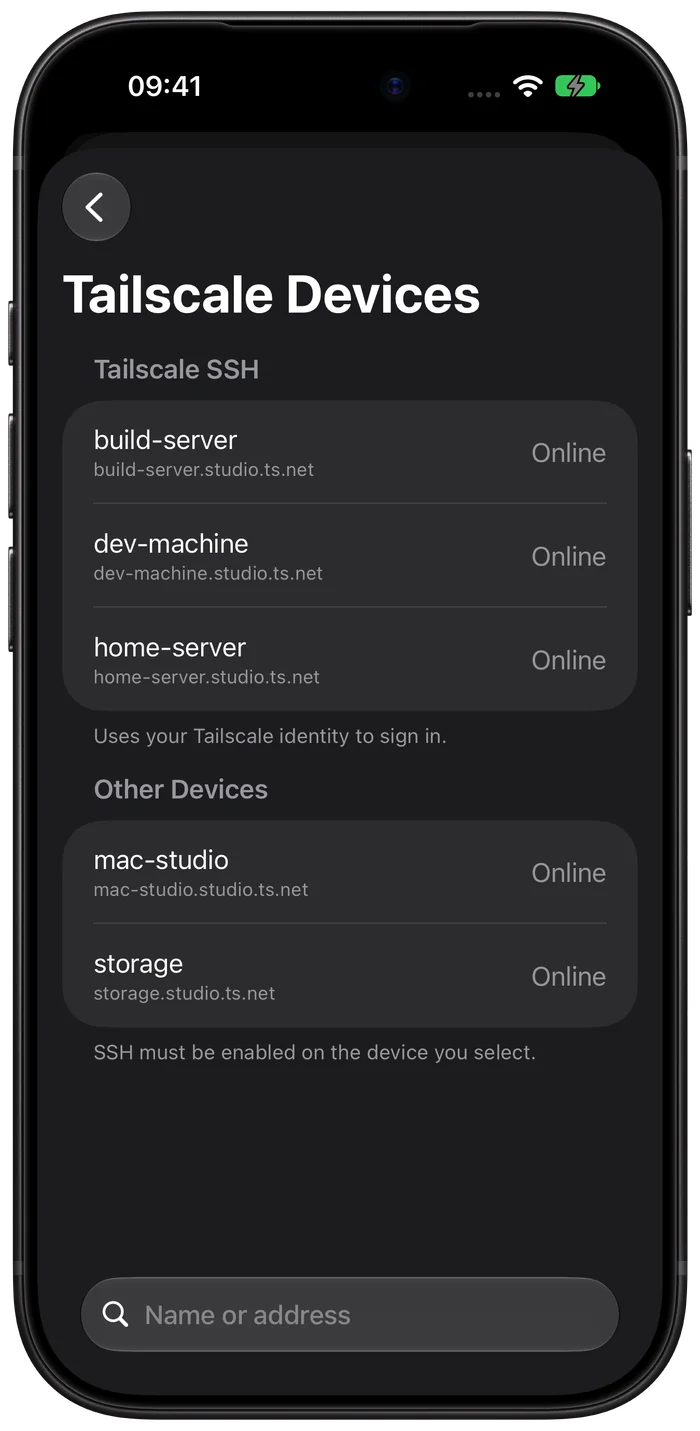
Connect to your machines over Tailscale without turning it on for your whole device. Sign in directly in Muxaway and keep your connection within the app.
Choose a device from your tailnet when adding a host, or enter its Tailscale IP or MagicDNS name. Use your usual SSH credentials, or your tailnet identity on hosts with Tailscale SSH enabled.
See in-app alerts from your terminals and tap to jump to the pane that needs attention.
Triggered by terminal bell signals. tmux alerts require tmux 3.8+.
Dictate on device, review the live transcript, and send when you’re ready.
Availability varies by device and language.
Keep your favorite keys and shortcuts within reach. Arrange your toolbar with custom key combinations, labels, icons, and spacers.
Choose a theme and font, or import your own fonts to make the terminal feel familiar.
Select terminal text with draggable handles and copy just what you need.
Require authentication before opening a host connection, with optional device passcode fallback.
6Public beta
Put Muxaway to work. Help shape what comes next with feedback through TestFlight.
SSH, tmux and Files are free. Pro is a US$29.99 lifetime unlock at launch. Purchases made in TestFlight are free test transactions and do not carry over to the App Store version.
Requires iOS / iPadOS 26+ and your own SSH host.
Built for tmux 3.5a+ over SSH, so your sessions keep running when you disconnect.
If tmux is unavailable or unsupported, a basic SSH shell provides compatibility. That shell session ends when the connection closes.